APEX Circuit
A downloadable game for Windows and macOS
Chase the next tenth.
APEX Circuit is a modern single-seater racing game built from the ground up in Godot - custom physics, a circuit that rewards precision, and a relentless focus on lap time. No arcade hand-holding, no microtransactions. Just you, the car, and the clock.
Modes
- Time Trial - unlimited hot laps, live sector splits, a saved ghost and a real-time delta chasing your personal best.
- Race Weekend — a timed qualifying session sets the grid, then it's five lights out into a full race, complete with jump-start and track-limits penalties.
- Quick Race — drop straight into a 12-car field from a shuffled grid and go wheel-to-wheel.
Under the hood
- Custom raycast car physics — four-wheel suspension, load transfer, a combined-slip tyre model, lock-ups, wheelspin, a seven-speed gearbox, handbrake, reverse, and DRS.
- A hand-built 4.2 km circuit — real kerbs, and grass and gravel run-off that each grip differently, with three timed sectors and three DRS zones.
- AI that actually races — a full grid running the racing line, braking on a real curvature profile, with pace variation lap to lap.
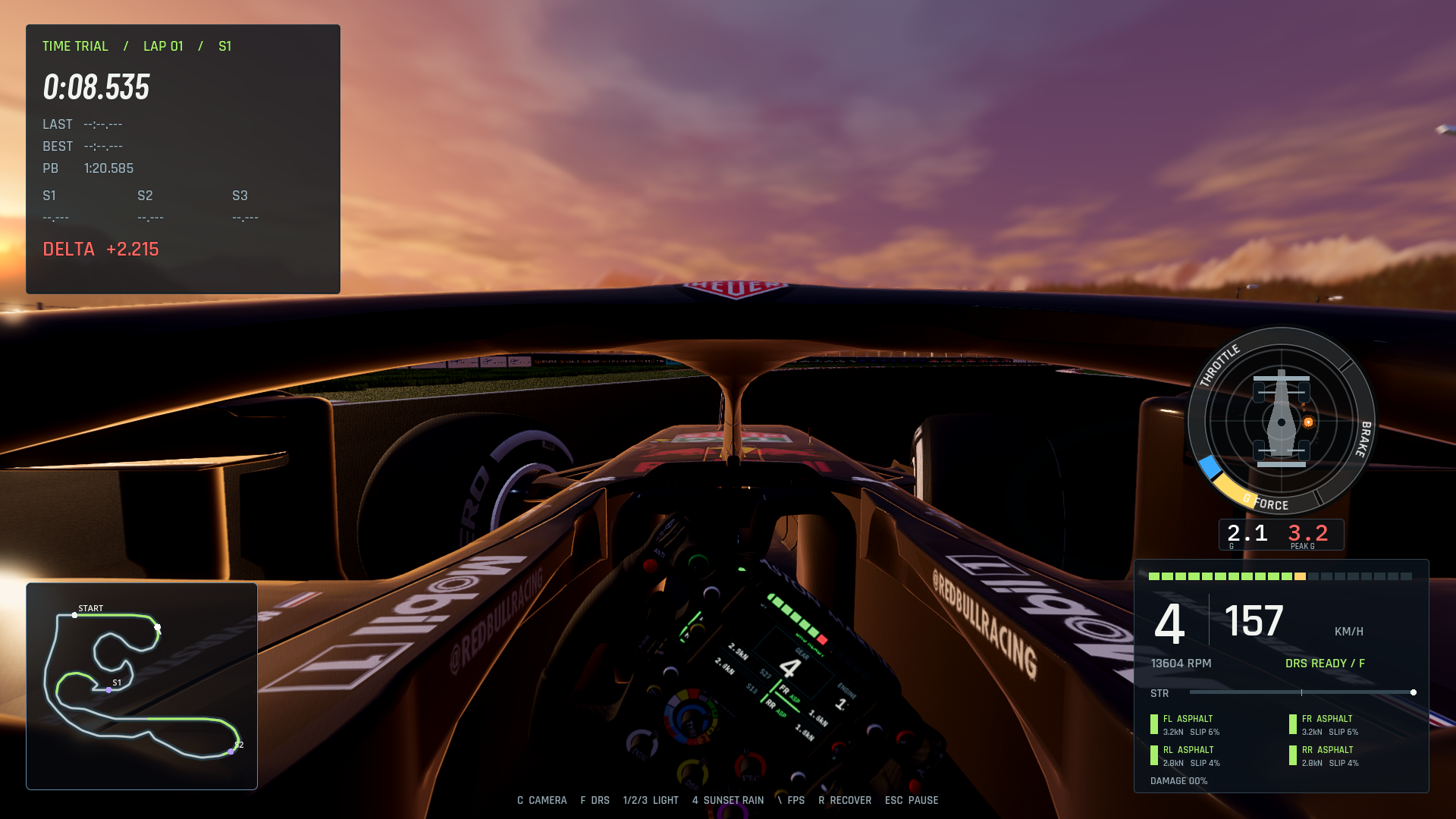
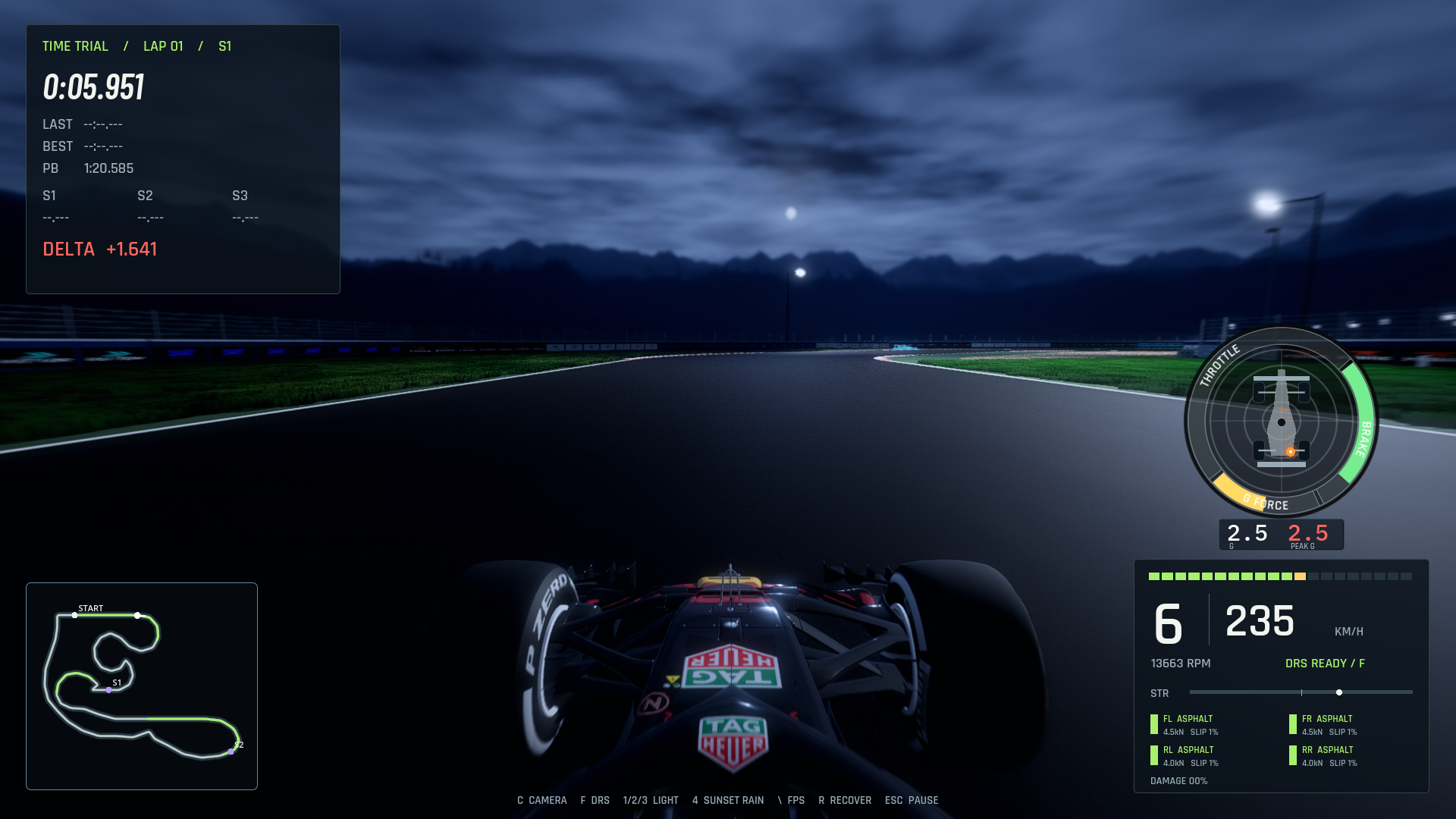
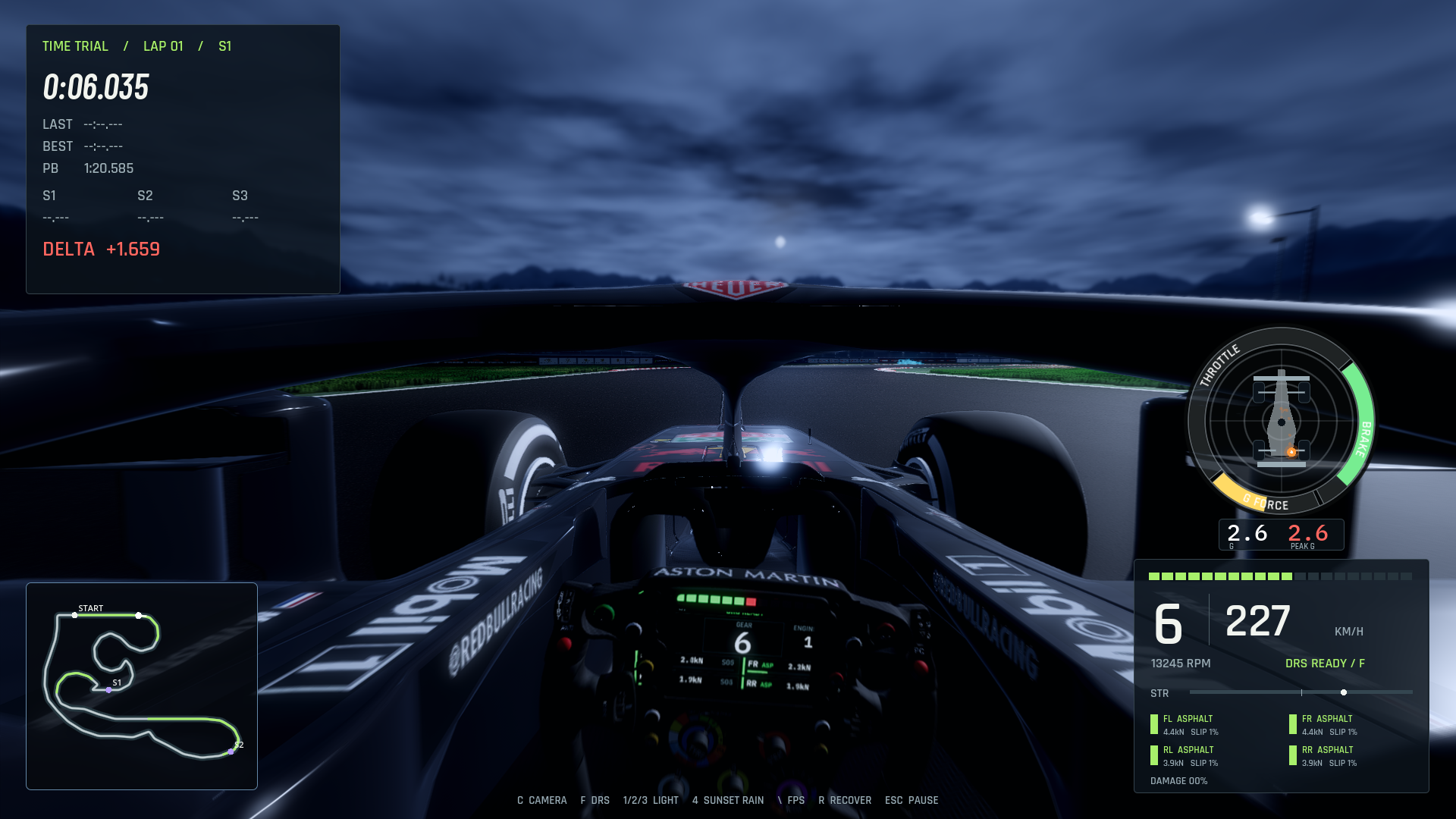
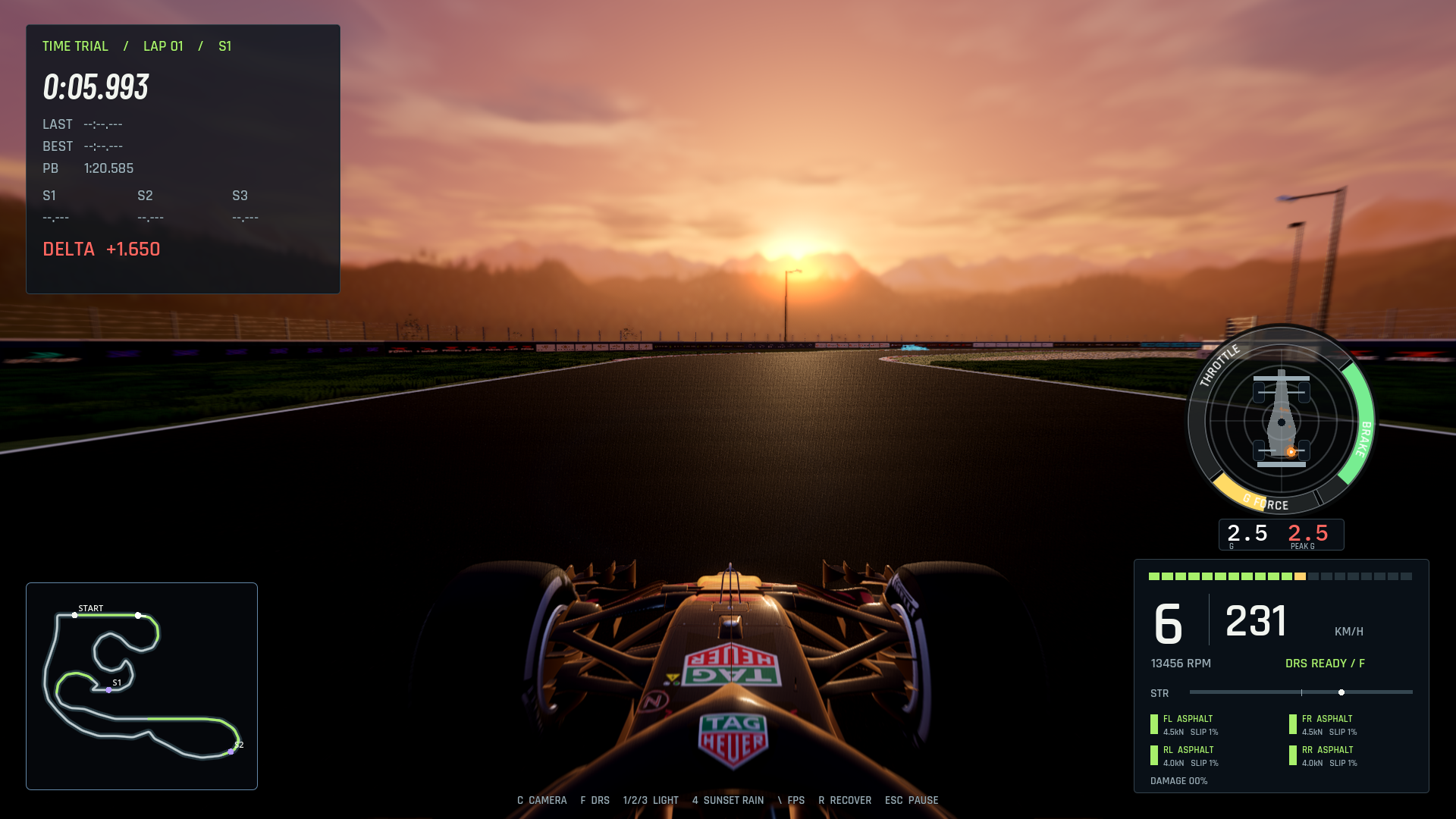
- A living cockpit — RPM/gear/speed telemetry, a working steering wheel with shift lights and a live OLED readout, a G-force meter, DRS indicator, minimap, and broadcast-style standings.
- Your race engineer on the radio — real recorded voice lines when you brush a barrier or bin it into the wall.
- Day, sunset, and full-moon night — 100+ trackside floodlights, and a sunset downpour with a wet, reflective track, puddles, ripples, and rain on the glass.
- Consequences — deformable barriers and brake boards that shatter into physics debris when you get it wrong.
Controls
Keyboard and controller supported. Steer with A/D, throttle/brake with W/S, and switch the time of day with 1 / 2 / 3. Full, rebindable controls are in the in-game Settings & Controls menu.
Installing
- Windows — download, run
APEX Circuit.exe. SmartScreen may warn about an unknown publisher; click More info → Run anyway. - macOS — open the
.dmg, drag APEX Circuit to Applications. First launch, right-click the app → Open → Open (it's an unsigned indie build, so macOS asks once).
Credits
- Rahul Awasthi — Game Development
- Pritam Avuthu — Marketing & Race Engineer Voice
- Car model: "2018 Redbull RB14" (https://skfb.ly/pLELV) by Dave Love — licensed CC-BY 4.0.
- Environment textures from Poly Haven (CC0); audio CC0; fonts under the SIL Open Font License.
Download
Install instructions
macOS Download Instructions
- Download APEX Circuit.dmg and open it (double-click).
- Drag APEX Circuit onto the Applications folder.
- Important - first launch: because this is a free, unsigned indie build, macOS will block it the first time with a "can't be opened" / "unidentified developer" message. This is normal, and the game is not damaged. To open it:
- Open Terminal and paste this, then press Enter, and try opening again:
xattr -cr "/Applications/APEX Circuit.app"
(You can also go to System Settings → Privacy & Security, and after a failed launch attempt click "Open Anyway" for APEX Circuit.)
Requires macOS 11 (Big Sur) or later on Intel, or macOS 13 (Ventura) or later on Apple Silicon.
Windows Download Instructions
- Download APEX Circuit.exe and double-click to run — no install needed.
- Windows SmartScreen may warn about an "unknown publisher." This is expected for an unsigned indie game. Click More info → Run anyway.